

You spent an evening building the perfect style. Every kick gets answered, every combo finishes on the low kick your coach keeps nagging you about. Then your training partner asks what you were drilling, and the only way to tell them used to be reading out twenty combos over text while they typed them back in by hand.
Not anymore. As of Shot Caller 1.21, any style can be sent to a friend as one link. They tap it, the app opens, and your exact rounds are sitting in their library ready to drill.
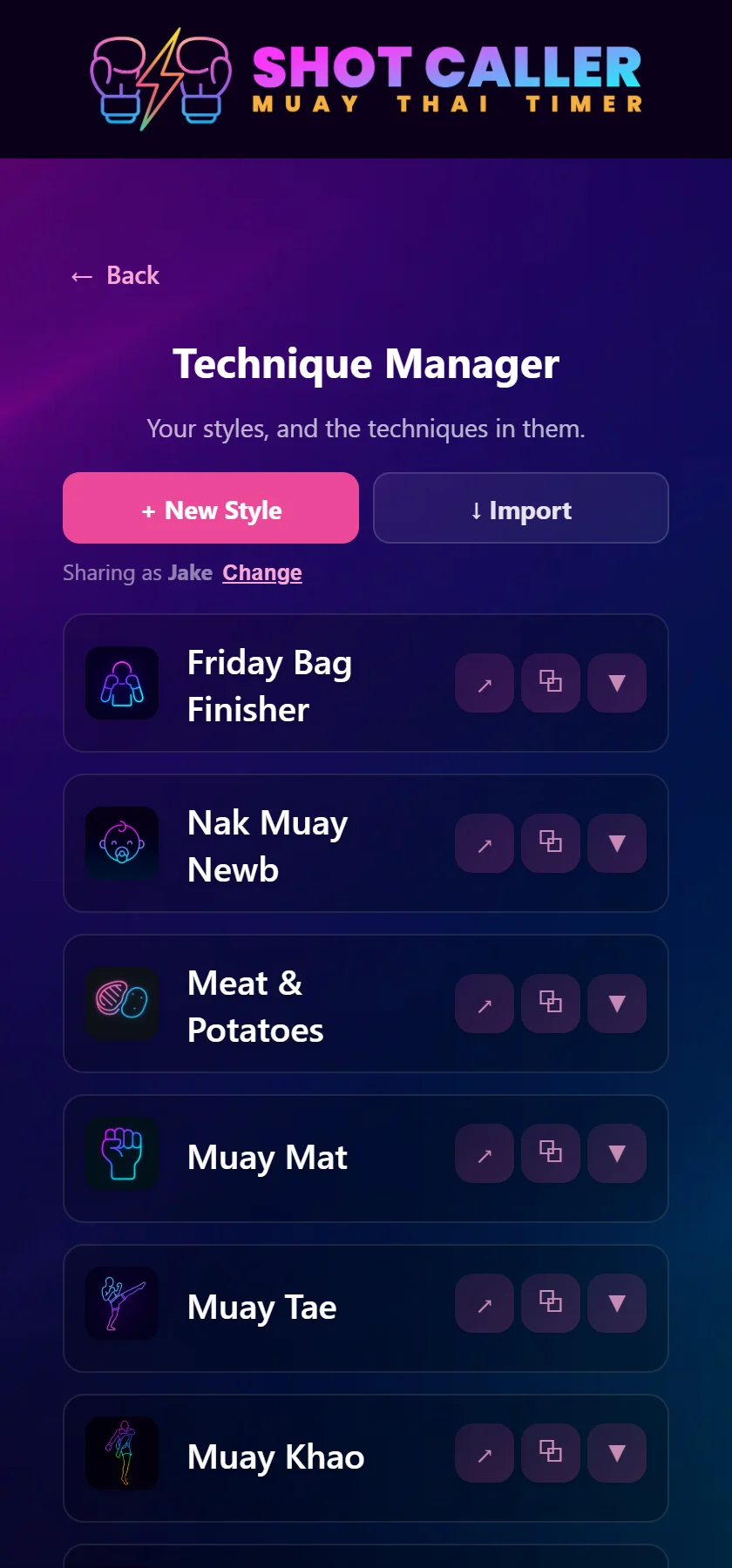
Open Manage Techniques. Every style now has a ↗ button next to it. That covers the built-in ones too, but it’s your own creations that are worth sending. Tap it and your phone’s normal share sheet opens, so you can send it wherever you already talk to your gym: Messages, WhatsApp, Signal, Discord.
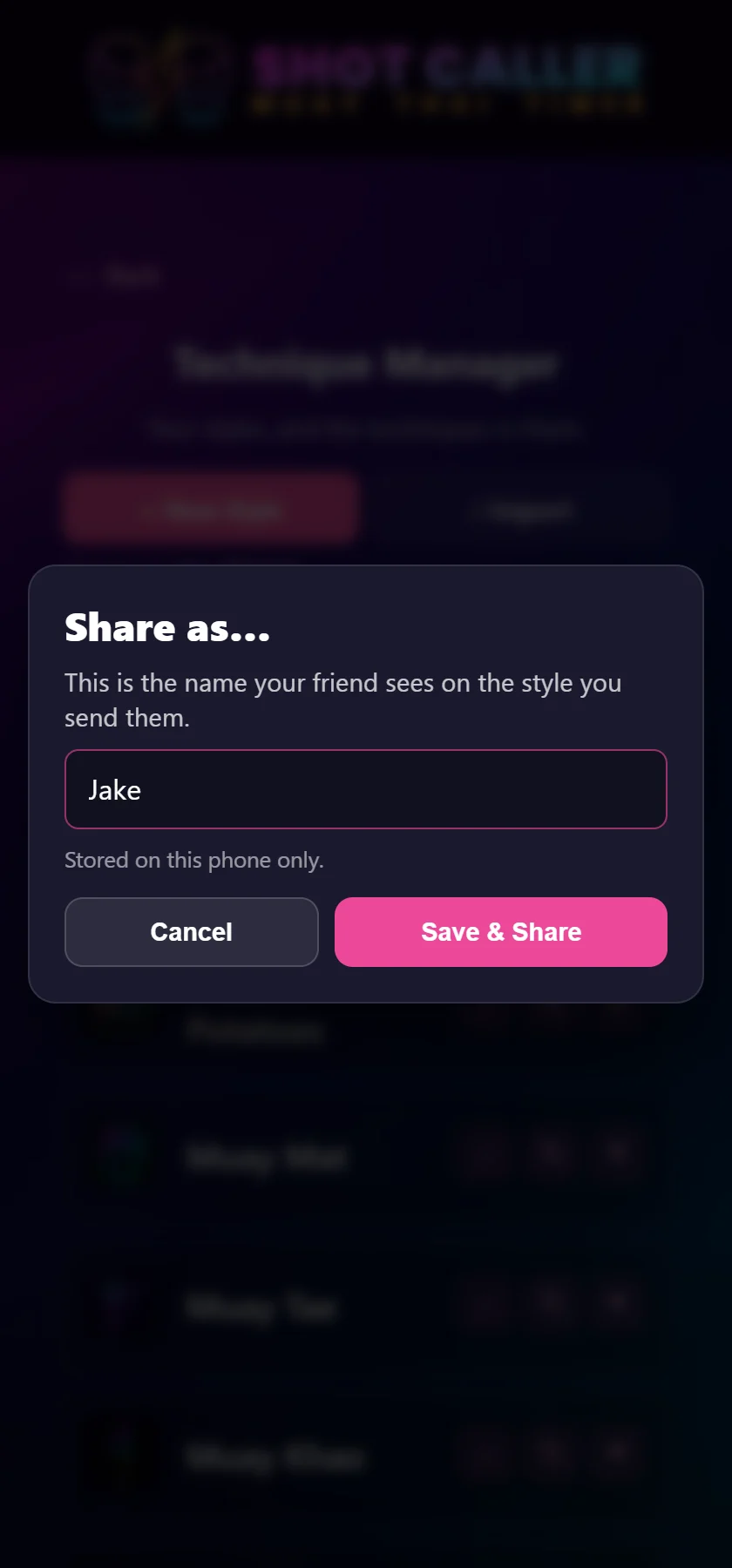
The first time, the app asks what name to send it under. That’s the name your friend sees at the top of the style, so “Jake” beats the placeholder it gives you. It’s stored on your phone and nowhere else, and you can change it any time from the Sharing as line under the buttons. After that first time, sharing is a single tap.
A bare link would be a wall of random characters, and nobody taps a wall of random characters from a friend without a second thought. So every share comes with a card: who sent it, what it’s called, your description, and how big it is.
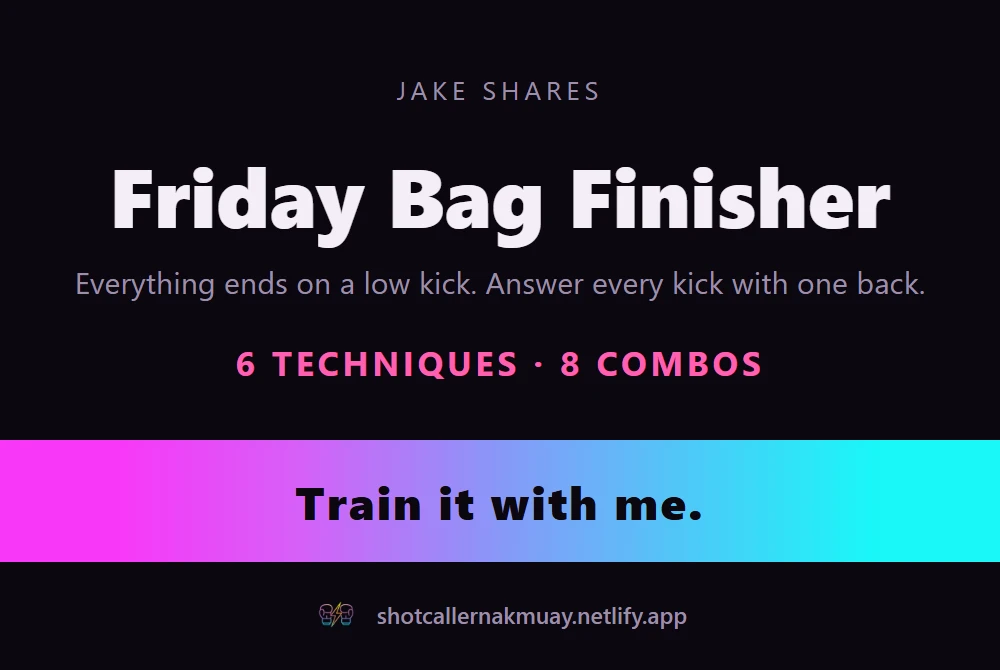
Under the card comes a line of text (“Jake shared a Muay Thai style with you”) and then the link itself. The card is deliberately a summary, not a listing. It tells your friend what they’re being handed; the link is what hands it over.
When your friend taps the link, Shot Caller opens straight to the style. No browser detour, no hunting for an import button. The first thing they see is who sent it, what’s in it, and a preview of the actual techniques and combos.
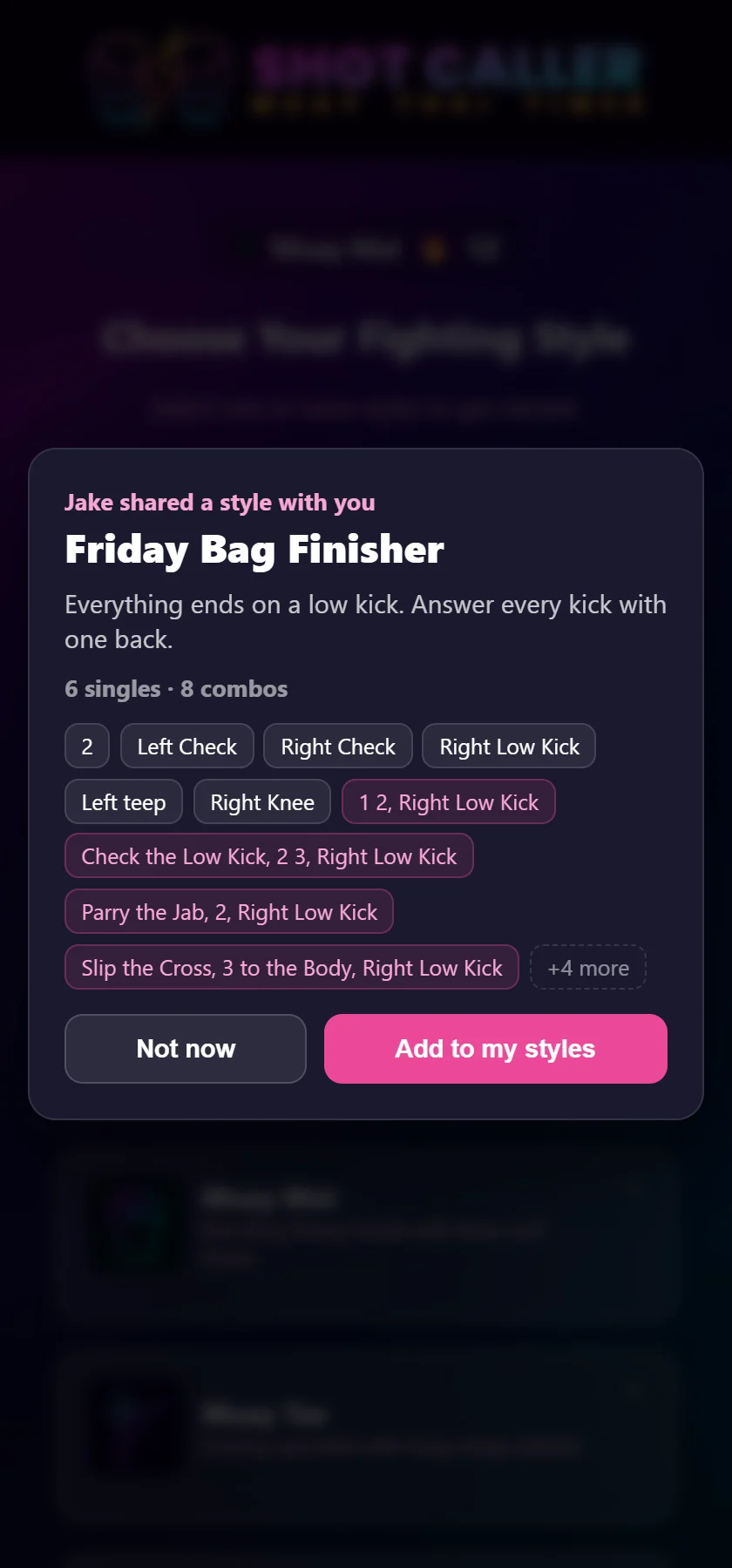
Nothing gets saved until they tap “Add to my styles.” A link from someone else shouldn’t quietly change your app, so the preview is there to make “yes” an informed answer. Once added, the style lands at the top of their list and the editor opens on it. From there it’s theirs: trim a combo, star the ones they want called more often, or just pick it and hit go.
An imported style always arrives as a new style. It can never overwrite one of the built-in styles, so accepting a link can’t cost anyone the styles they already have.
If your friend doesn’t have Shot Caller yet, the link opens the web version of the app instead, with the same confirmation. And if they go and install it from the App Store or Google Play, that’s where the link loses the thread: neither store passes it through the install. The fix takes ten seconds. Go back to the message and tap the link again, or copy it and paste it in:
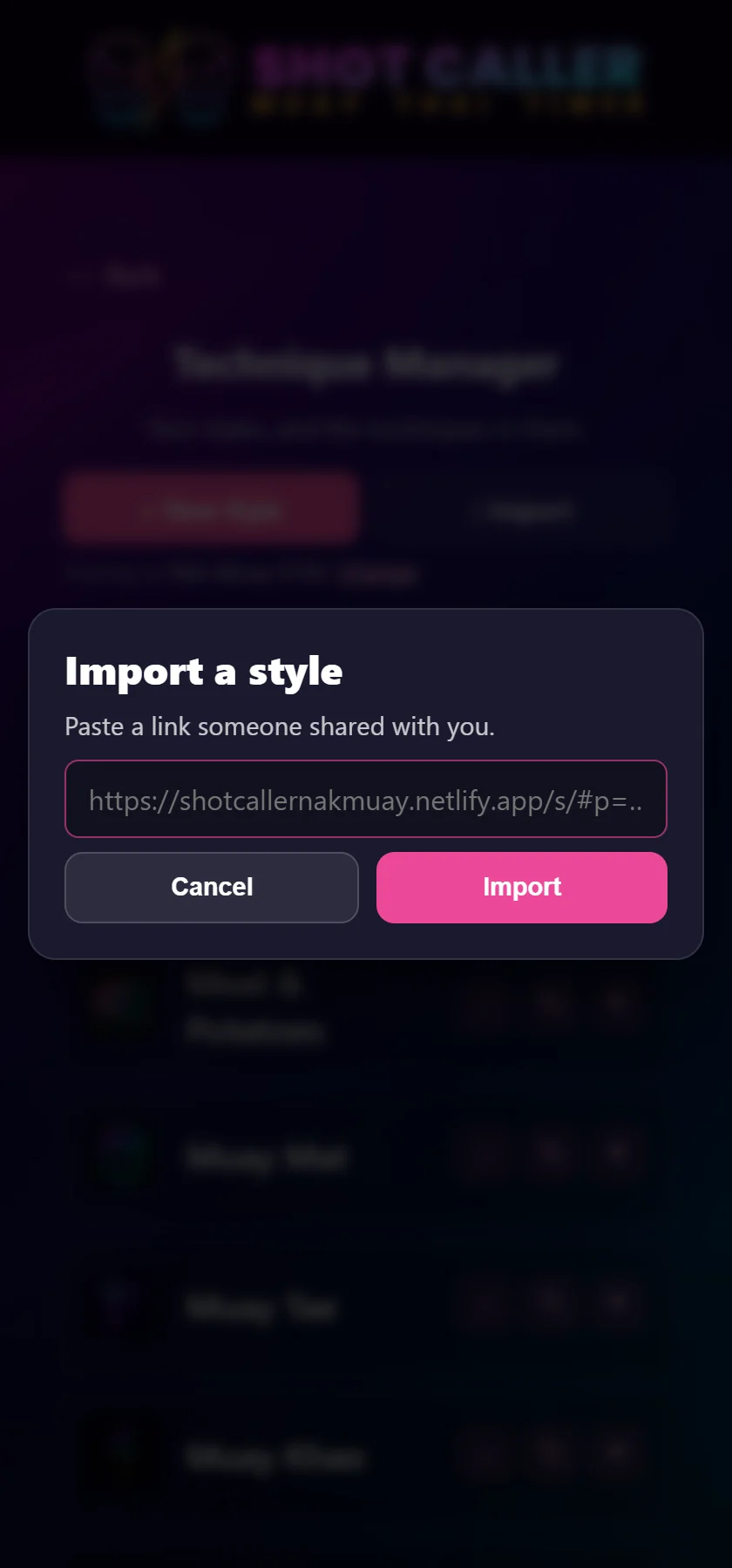
It’s the Import button next to New Style in Manage Techniques. A pasted link goes through exactly the same confirmation as a tapped one.
This part is a little unusual, and it’s on purpose. There’s no account and no upload, and there’s no server holding your style somewhere. The link is the style, packed down small enough to text. The one in these screenshots, fourteen entries with a description, is 339 characters long.
That buys you a few things:
The trade-off is that there’s no browsable library of community styles. If that’s something you’d use, tell us. It’s a different project, but not an unthinkable one.
Send it in a message: Messages, WhatsApp, Signal, Discord, your gym’s group chat. Those carry the card and the link together in one message.
Don’t post it to Instagram or Facebook and expect it to work. Both drop the text that comes with a shared image, and the text is where the link lives. The card still says where to find the app, but the style itself only travels with the link.
Sending a style is part of Pro, along with building your own styles in the first place. Receiving one isn’t: anyone on the free version can add two shared styles before they hit the upgrade screen. If you’re the one in your gym who builds the rounds, everyone you train with can use them without paying a thing.
The best use of this is the obvious one. Whoever builds the good rounds in your gym builds them once, and everyone else taps a link. If you haven’t built a style of your own yet, start with our guide to building custom combinations, then send it to the person who holds your pads.
Shot Caller Nak Muay calls real Muay Thai combinations out loud while you work. Free to start — the round timer, Freestyle and Nak Muay Newb cost nothing.
Prefer to try it in the browser first? Open the web version.