

A combo-calling app has one failure mode that nothing else about it can fix: it shouts “1 2 3, Right Low Kick” at somebody who doesn’t yet know what 3 means. Every feature past that point — the timer, the styles, the round structure — is sitting behind a wall the beginner can’t get over.
The new Learn module is the way over it. Two halves: a guided path that hands you the vocabulary in a deliberate order, and a library where every technique the app calls is now something you can actually look at.
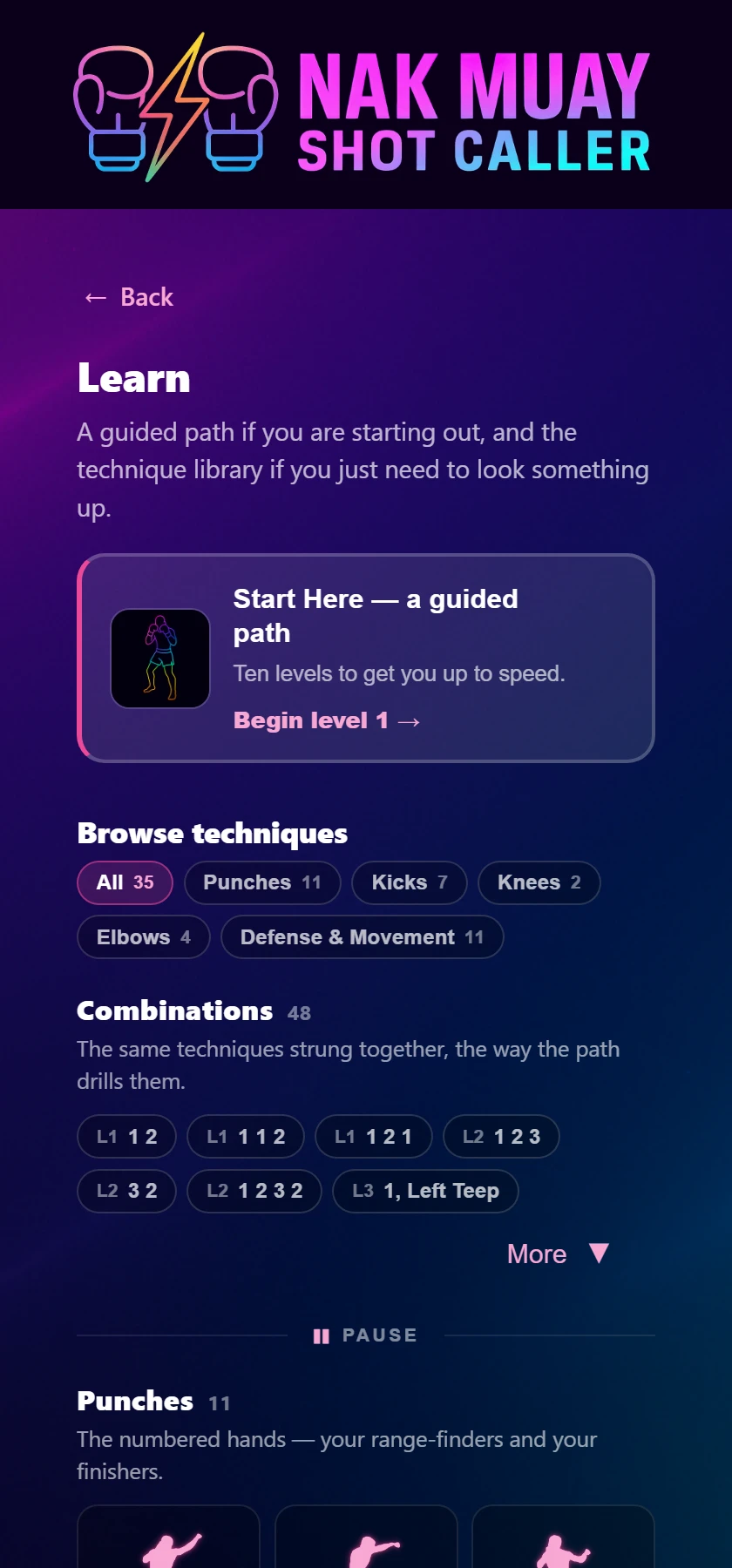
The problem was never a shortage of material. It was sequence. Nak Muay Newb is 32 individual techniques and every one of them is live from the first bell — set the difficulty to Novice and a first-timer still gets hit with the full vocabulary immediately.
Start Here is a curated ordering of that exact pool. Ten levels to graduation, each one introducing two to five techniques and then drilling them against everything already learned:
The ladder is honest about where you are, because the point isn’t the levels — it’s the coverage. The progress bar counts how much of the callout vocabulary you can actually answer to.
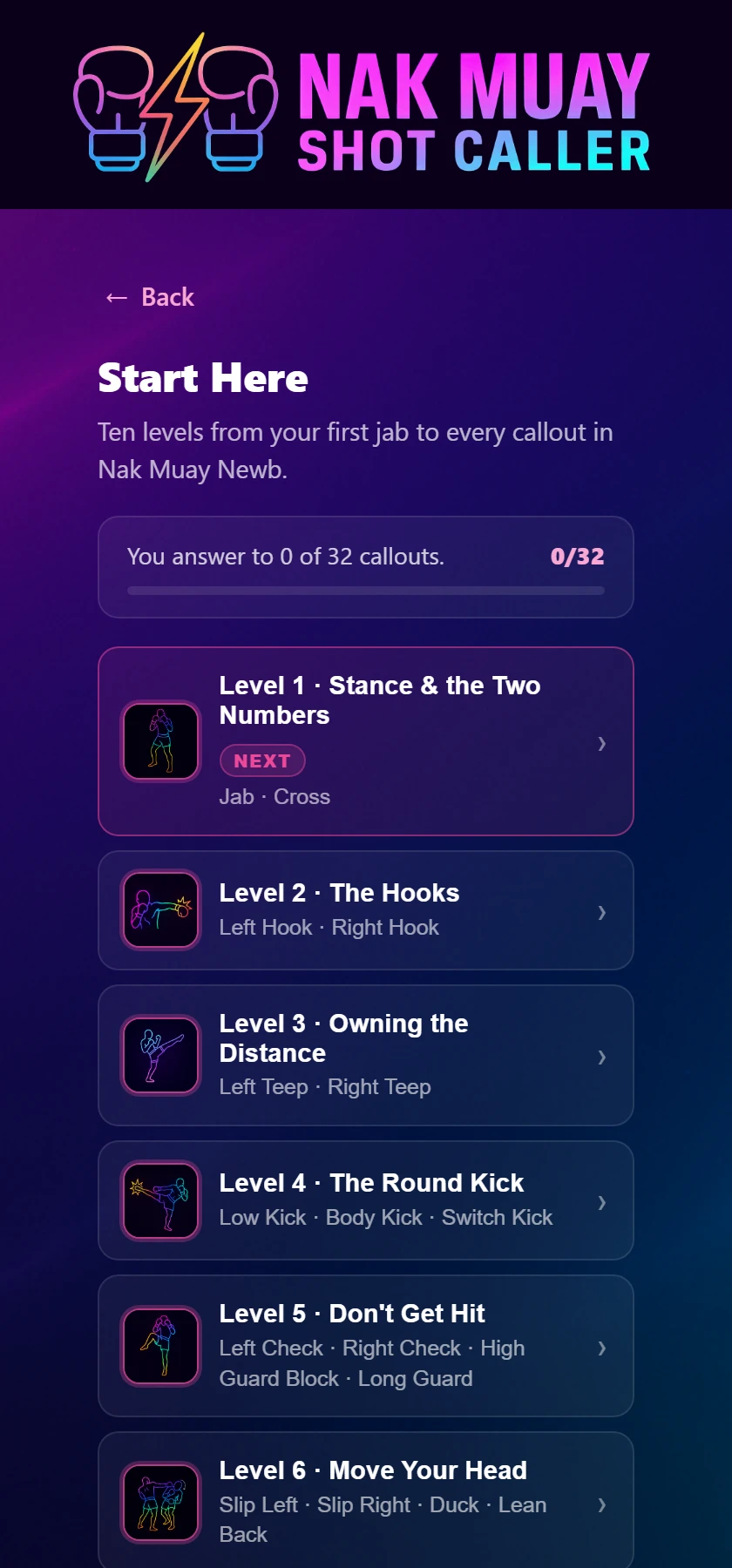
Graduate level 10 and the union of everything you’ve been taught is exactly the 32 techniques Nak Muay Newb draws from. Not approximately — a test in the codebase enforces it, so the curriculum can’t quietly drift away from what the app actually says out loud. After that there’s a bonus eleventh level for elbows.
A written lesson can tell you the round kick turns the hip over. It can’t show you the shape. Every technique on the shelf now carries a moving figure — 35 of them across 28 techniques, with seven shot from both sides because the two sides genuinely differ.
Here’s the part that does the real work: the number sits right under the name. Jab 1. Cross 2. Left Hook 3. The shelf isn’t just a reference — it’s a decoder for the thing the app is shouting at you.
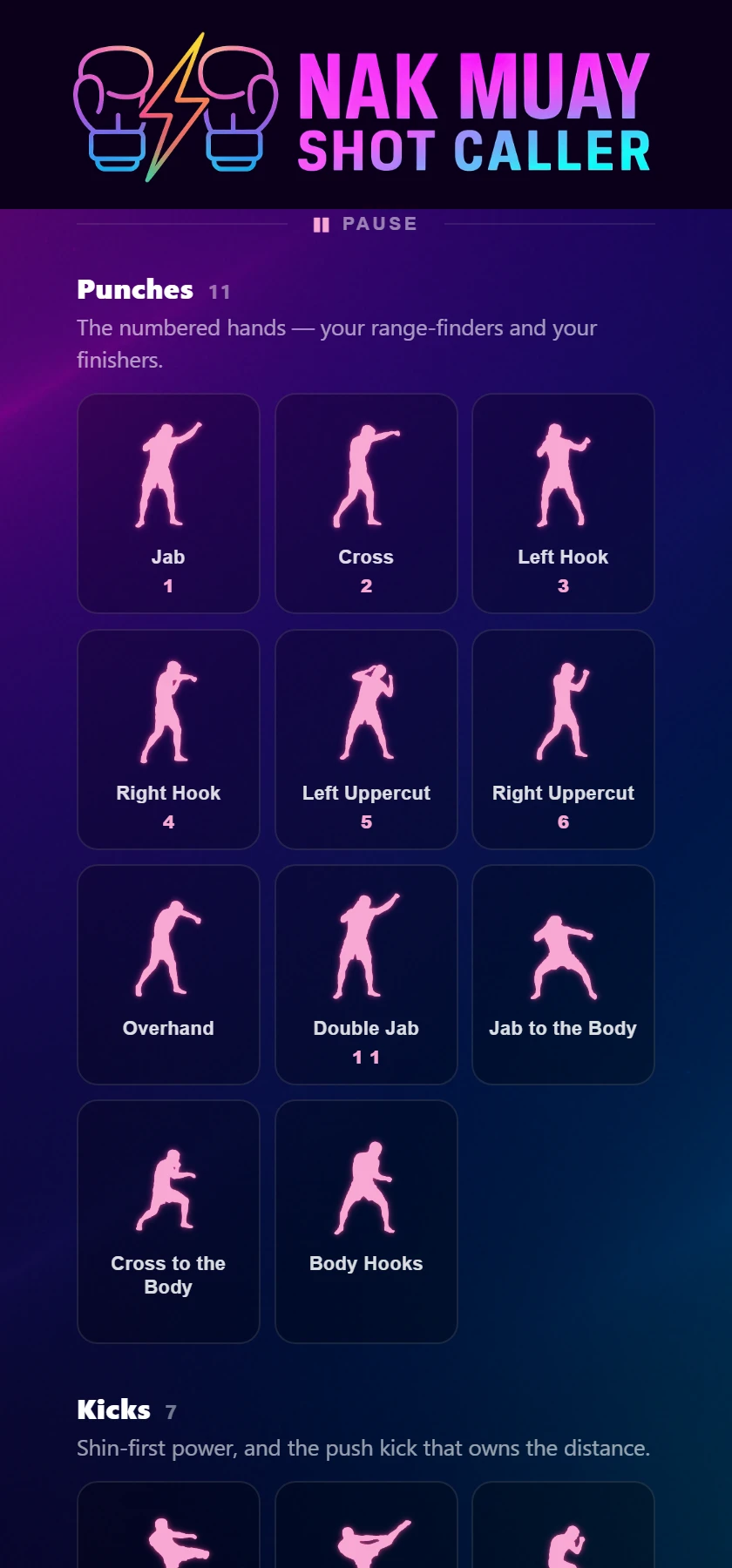
Categories are a filter that narrows in place rather than a screen you push into, so looking something up mid-session is a tap and a scroll instead of three taps and a back button.
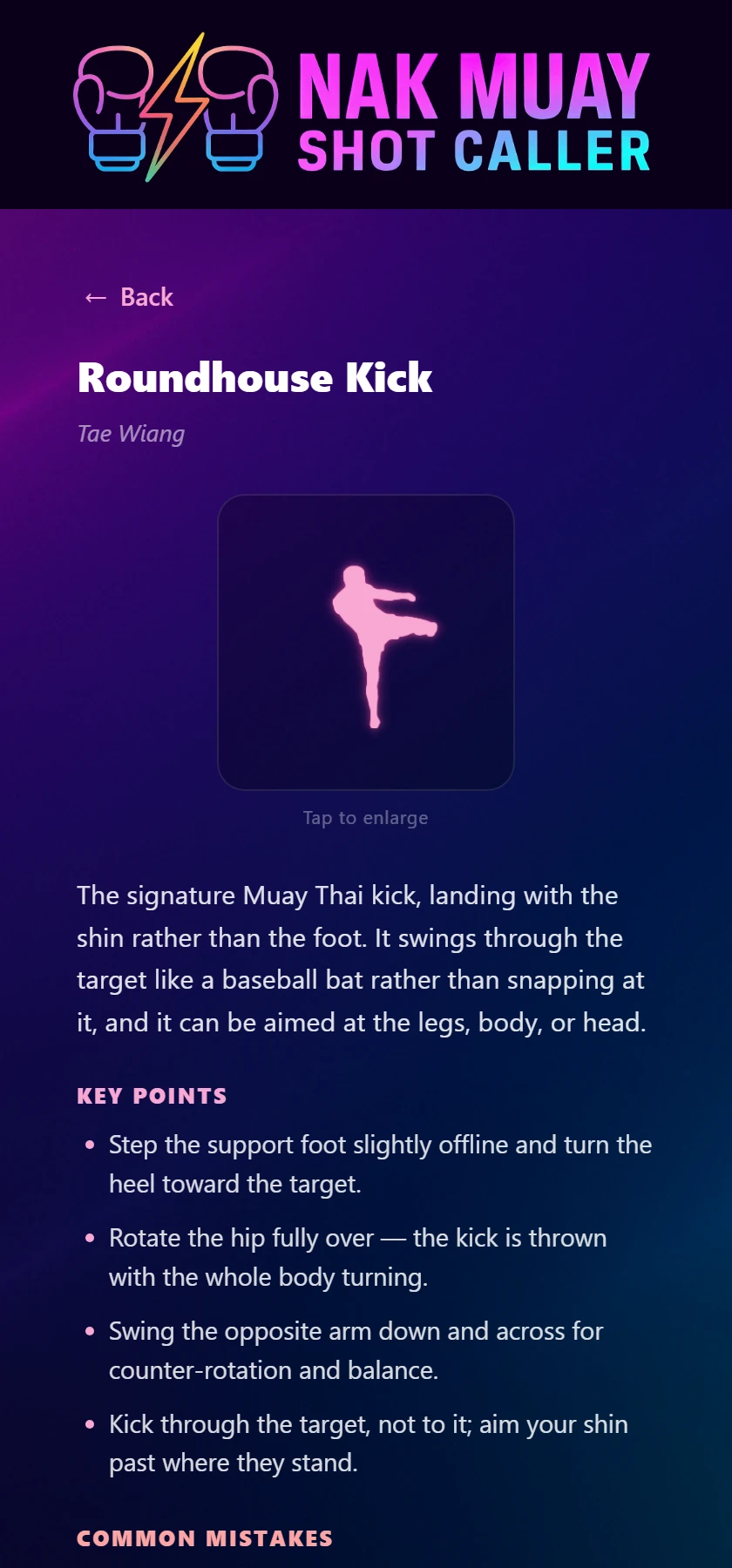
Tap one and you get the written technique behind it: what it is, the key points, and the common mistakes — the ones that actually cost you, like kicking with the instep instead of the shin, or dropping the kicking-side hand right when the counter cross arrives.
The figure runs six frames in 1.15 seconds, which is about 190 milliseconds a pose. That’s right when you want the rhythm and useless when you want to know where the rear heel is at the moment of extension — so there are transport controls. Back, play, forward, and the arrow keys step. Pause lands on the extension frame, the one each figure was built around.
This is the bit that makes it a learning module rather than a glossary. Every lesson knows where it sits in the path, and every lesson can start a round.
Taught at level 4 of Start Here takes you to the level that drills it. Drill it loads a style that calls it and starts the timer. So the reference and the curriculum point at each other in both directions, and both of them point at actually training.
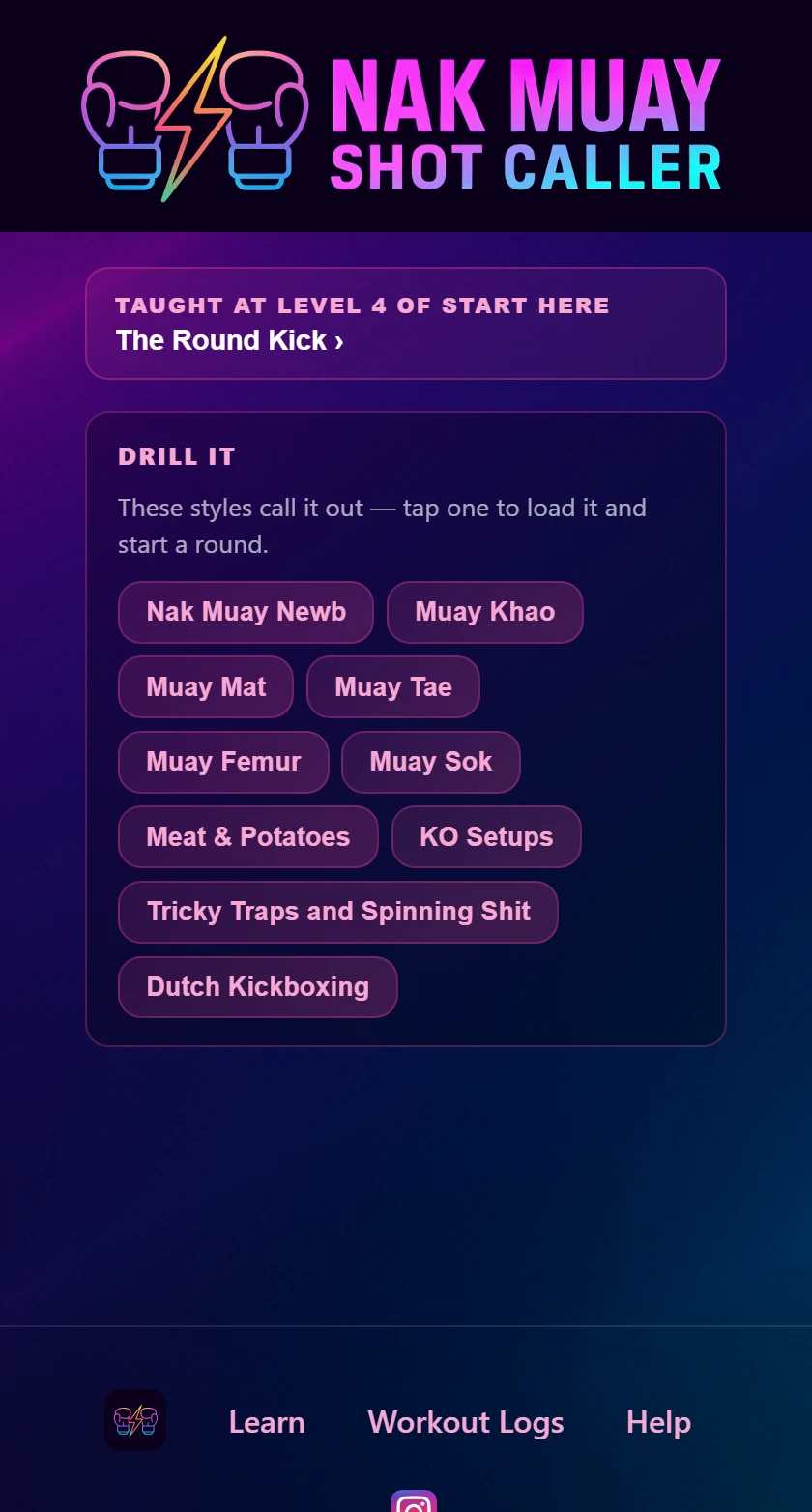
That’s the whole reason the library lives inside the app instead of on a website. Looking a technique up and drilling it are two halves of the same errand.
Every figure was shot orthodox, so a southpaw browsing the library used to be looking at someone standing the other way round from them. Turn on Southpaw Mode and the figures mirror — and so does every name that carries a side.
The numbering doesn’t move, because it was always stance-relative: 3 is your lead hook whichever way you stand, and that’s already what the callout engine says out loud. There’s more on training left-handed in our southpaw guide.
Worth saying, because it took months longer than the alternative: the figures are cut from real footage, frame by frame. None of them are AI-generated.
Image generators produce something worse than obviously wrong — they produce plausible and wrong. A flat rear foot on a cross. A “check” that’s really a knee. Errors that look fine to exactly the person least equipped to spot them, which is the person using a beginner module. Not a great trade for saving an afternoon.
Level 1 of the path is free and the whole ladder is visible. Browsing the shelf is free too — the figures, the names and the numbers are all there before you pay anything. Opening a full lesson and levels 2 onward are part of Pro.
And 37 techniques in the written library still have no figure, all thirteen feints among them. A lesson without one isn’t on the shelf at all, because a grid full of placeholders reads as a half-built page where a shelf of real figures reads as a library. Each one appears the moment its footage is shot.
If you’re new, don’t start by picking a style and hitting go — that’s the wall. Open Learn, begin level 1, and let the path hand you the vocabulary two techniques at a time. Ten levels later the entire app is talking a language you speak.
Shot Caller Nak Muay calls real Muay Thai combinations out loud while you work. Free to start — the round timer, Freestyle and Nak Muay Newb cost nothing.
Prefer to try it in the browser first? Open the web version.